Apple Watch - Turn Handwashing Timer On / Off
Here's how to enable or disable the 20-second handwashing timer on your Apple Watch.
The steps below apply to the Apple Watch® Series 3 and newer models running watchOS 7 or higher.
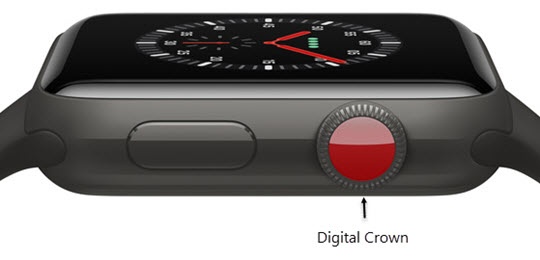
- From the Watch face screen, press theDigital Crownto access the Apps screen.
- Tap theSettings icon.
- Scroll down using the digital crown then tapHandwashing.
- Tap theHandwashing timer switchto turn on
or off
.
While enabled, your watch automatically detects handwashing movements and starts a 20-second timer.