Care Smart app - Change Ringtone
Here's how to change the ringtone for your Care Smart watch via the Care Smart app.
- This content is only available for the Care Smart watch.
- Ensure the Care Smart app is updated (Google Play™ Store or Apple® App Store®).
- Check out these Care Smart FAQs for more info.
- Open theCare Smart app.If presented with the PIN screen, enter your PIN.
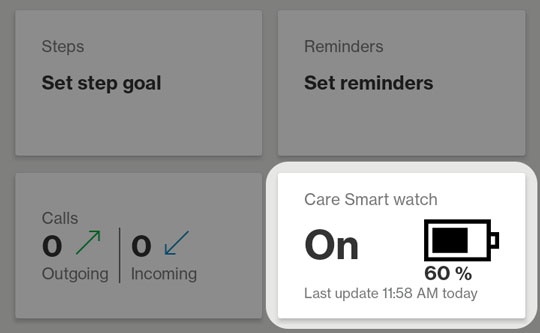
- Tap theCare Smart Watch card.
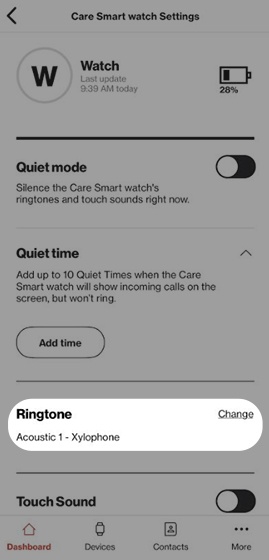
- TapRingtone.
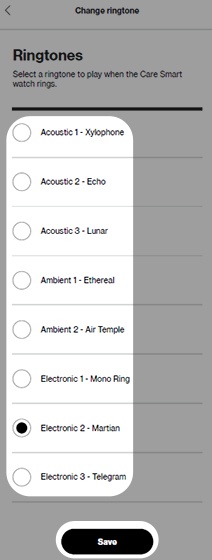
- Select the desired ringtone then tapSave.