Care Smart app - Remove Quiet Times
Here's how to remove quiet times, which silence your Care Smart watch during specified times, via the Care Smart app.
If you need to remove Quiet Times, which silence the ringtone for incoming calls on a Care Smart watch, follow these step-by-step instructions.
- Ensure the Care Smart app is updated (Google Play™ Store or Apple® App Store®).
- Check out these Care Smart FAQs for more info.
- Open theCare Smart app.If presented with the PIN screen, enter your PIN.
- TapDashboard.
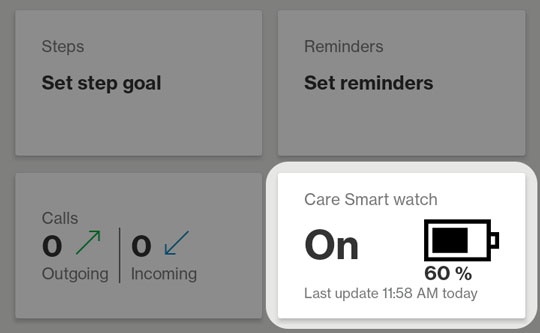
- Tap theCare Smart watch card.
- From the 'Quiet time' section, tapEdit.
- Do one of the following:
- On an Apple® iPhone®, tap theRemove iconthen tapDelete.
- On an Android™ smartphone, tap theTrash icon.