GizmoWatch 2 - View Home Screen Panels
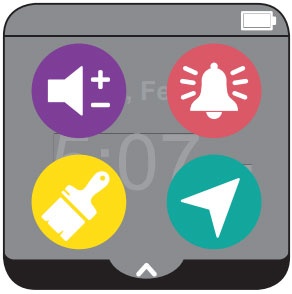
Here's how to view the different Home screen panels (e.g., Control panel, Contacts, Gadgets, etc.) on your GizmoWatch 2.
The GizmoWatch™ 2 is designed to work in conjunction with the Smartphone app of the caregiver. However, this device is equipped with a touch screen.
- Swipe left or right to view Home screen panels.You can also swipe down from the top of a Home screen to reveal the status screen.
- From the default time and date screen, do any of the following:
- Swipe down to view the Control Panel (e.g., Signal Strength, Battery, etc.).
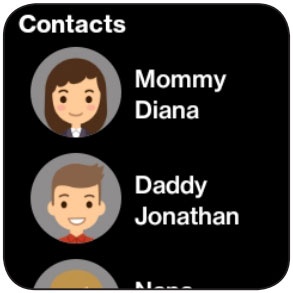
- Swipe left to view the 'Contacts' screen.
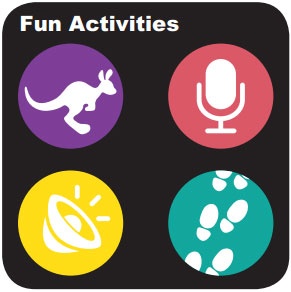
- Swipe left twice to view the 'Fun Activities' screen.
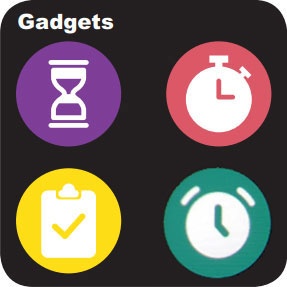
- Swipe left to 3 times view the 'Gadgets' screen.
- Swipe left 4 times to view the 'Settings' screen.