Session status messages
Session Status

Due to inactivity, your session will end in approximately 2 minutes. Extend your session by clicking OK below.

Due to inactivity, your session has expired. Please sign in again to continue.

GizmoWatch 2 - Set Ringtone

2026-10-22 18:05:17.339

GizmoWatch 2 - Set Ringtone

Here's how to set a ringtone on your GizmoWatch 2.
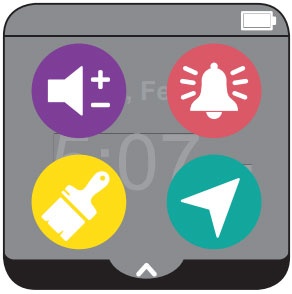
  1. From your GizmoWatch™ 2, swipe down from the Home screen to access the status screen.
    Status screen
  2. Tap the
    Ringtone icon
    Ringtone icon (upper-right).
  3. Scroll through Ringtones then tap the preferred ringtone to preview.
  4. Tap the
    Checkmark icon
    Checkmark icon to save.