Connected Car Wi-Fi (Mazda) - Activate Monthly Plan
Here's how to activate a monthly plan for your Mazda in-car Wi-Fi after your free trial expires.
- Connect to your vehicle's Wi-Fi hotspot.Use the in-car Wi-Fi Settings menu to view network name and password for your vehicle.
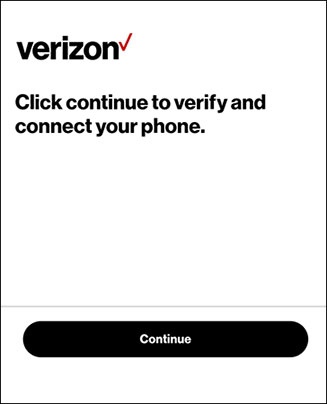
- From the 'Verify and connect your phone' screen, tapContinue.If unavailable, open the web browser on your device and navigate to quickaccess.verizonwireless.com.Your compatible device must be connected to the vehicle's Wi-Fi hotspot or the page won't load.
- From the 'Your free trial of Connected Car Wi-Fi has expired' screen, select the appropriate option then follow the on-screen prompts:
- I have Verizon
- I don't have Verizon

Check out these Connected Car Wi-Fi and Mobile Hotspot FAQs for additional support.