Apple Watch - Capture a Screenshot
Here's how to capture a screenshot on your Apple Watch.
- If necessary, ensure 'Enable Screenshots' is enabled on the connected iPhone®:
- On the connected iPhone, tap theWatch app.
- Tap theMy Watch tab(lower-left).
- TapGeneral.
- Tap theEnable Screenshots switchto turn on
.
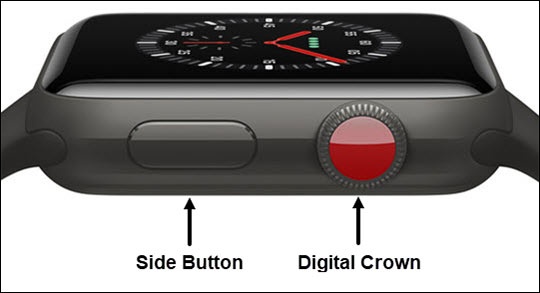
- From the desired screen on your Apple Watch®, press theDigital Crownand theside buttonat the same time.To view the screenshot, open to the Photos app
on the connected iPhone, tap
Albumsthen tapScreenshots.