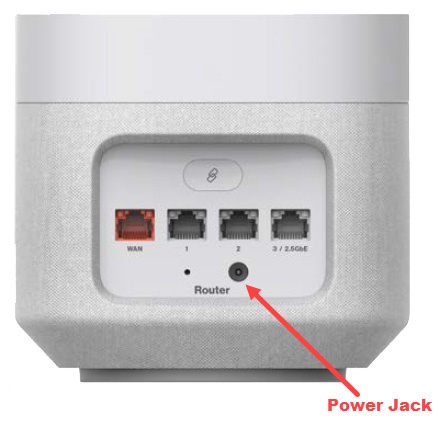
5G Home Router - Restart Router via Power Jack
Here's how to reboot the 5G Home Router via the power jack.
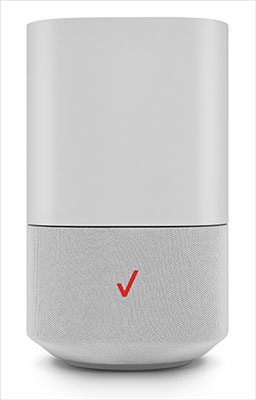
- This content is for 5G Home Internet. Here's info on Fios Home Internet.
- 5G Home Internet service is currently offered in specific areas. Here's how to check for 5G coverage availability.
- Wait for a minimum of 5 seconds before re-inserting power cable.
- Once the 5G or 4G LED lights turn solid white, you can re-connect your devices to the Router.
After performing these steps, it may take up to 10 minutes before service is available.
- Unplug power cable from from Power Jack.The circular LED light on the top of the router turns off along with the device.
- Re-insert the power cable into the Power Jack.Ensure the power cable is also plugged into the wall outlet.