5G Home Router - View LED Status Indicators
Here's how to identify the LED light status indicators on the 5G Home Router.
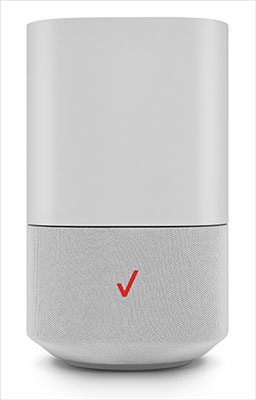
- This content is for 5G Home Internet. Here's info on Fios Home Internet.
- 5G Home Internet service is currently offered in specific areas. Here's how to check for 5G coverage availability.
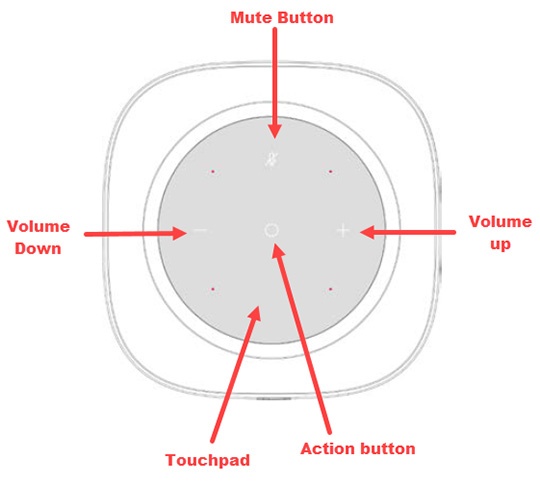
A recessed circular LED light surrounds the touchpad on the top of the 5G Home Router. The LED lights up in different ways to indicate the connectivity status of the device.
Function | Status | LED Ring |
Pairing (WPS/Bluetooth) | Not paired to Receiver | Animation Red/Amber : Until changed to another state |
Pairing mode active (WPS or Ethernet pairing) Ethernet cable to be used for pairing Router and extender if WPS fails. | Animation Blue : Lit towards the pairing button side until pairing period ends | |
Pairing success (WPS or Ethernet pairing) | Animation Blue : For 2 seconds | |
Pairing fails the Router displays white after 2 seconds of red hard blink. | Animation Red : For 2 seconds | |
Wi-Fi and Internet | The router is connected to CPE and the internet is active, but Wi-Fi is turned off. | Solid Amber : Until changed to another state |
Wi-Fi quality between IDU and Router is poor. | Animation Yellow and white ring | |
Router connected to CPE, but no internet connection (5G node might be done) | Animation Red/Amber : Until changed to another state | |
Router connected to CPE, Wi-Fi, and internet working well. | Solid White : For 30 seconds then turns off | |
Usual Functions | Firmware upgrade Blinks during upgrade installation (FOTA) | Fast blink White : Until firmware is updated |
Hard reset / Reboot Triggered through app / FOTA | Fast blink White : (For 1-2 seconds before turning OFF) | |
Turn ON device (when the device turns on | Animation White to Red/Blue : Until changed to another state |