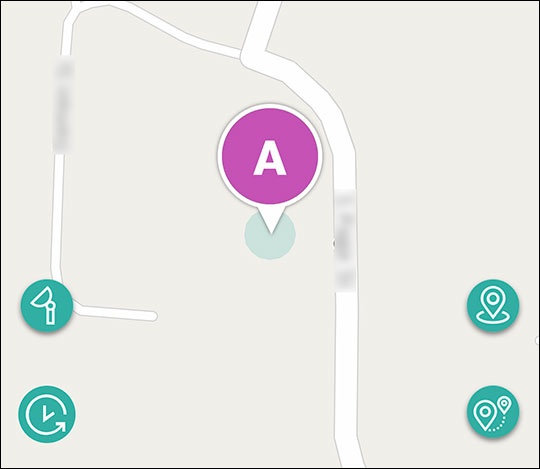
GizmoHub App - Turn Satellite Map View On / Off
Here's how to switch to satellite view when checking your child's location via the GizmoHub app.
- Ensure the GizmoHub app is updated (Google Play™ Store or Apple® App Store®).
- Check out the GizmoHub FAQ page for more info.
- Open theGizmoHub app
.
If presented with the PIN screen, enter your PIN. - Tap the map.
- From the 'Locate' screen, tap theSatellite icon
to enable (lower-left).
Tap theSatellite iconto disable.