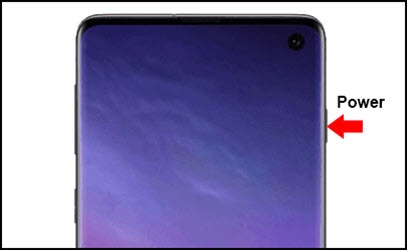
Samsung Galaxy S10 - Unlock Screen
Here's how to unlock the screen on your Galaxy S10e / S10 / S10+.
- Press thePower button.
- Depending upon the screen lock type, perform one of the following:
- Swipe the up from the bottom of the display.
- Draw the current unlock pattern.
- Enter the current PIN or password.
- Using the front-facing camera, position your face within the provided area.
- Touch the fingerprint sensor located on the bottom of the screen.