Apple Watch - Delete Messages
Here's how to delete messages from your Apple Watch.
The steps below apply to the Apple Watch® Series 3 and newer models.
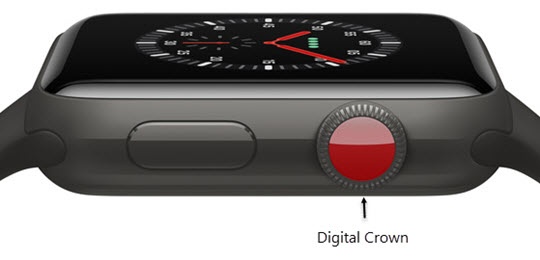
- From the Watch face screen, press theDigital Crownto access the Apps screen.
- Tap theMessages icon
.
- Swipe left on the desired message thread.
- Tap theTrash icon
.
- To confirm, tapDelete.