Apple Watch - Use Walkie-Talkie
Here's info on how to use Walkie-Talkie on your Apple Watch.
To use Walkie-Talkie, verify:
- You have an Apple Watch® Series 1 or later with watch OS 5.3 installed.
- FaceTime is set up on your iPhone® with iOS 12.4 or later installed.
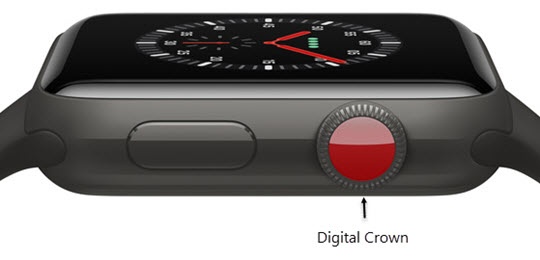
- From the Watch face screen, press theDigital Crownto access the Apps screen.
- Tap theWalkie Talkie icon.
- Tap the desired friend.To add a friend, tap theAdd friendsthen select the desired contact.
- Touch and holdTalk, then say something.

For more info, check out this Apple Support Page.