GizmoWatch™ - Activities and Gadgets
Here's how to access fun activities and gadgets on your GizmoWatch.
The Gizmo is designed to work in conjunction with the Smartphone app of the caregiver. However, this device is equipped with a touch screen.
Swipe left or right to view the following Home screen panels:
You can also swipe down from the top of a Home screen to reveal the status screen.
Fun Activities
- Swipe left twice from the main screen to access the 'Fun Activities' screen.
- Do any of the following:
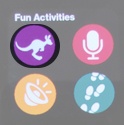
- Tap the 'Games' icon to play games.
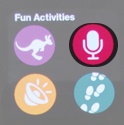
- Tap the 'Microphone' icon to record a message.After recording message, select recording voice and then send to a contact.
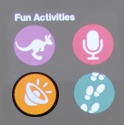
- Tap the 'Fun Sounds' icon to listen to different fun sounds.
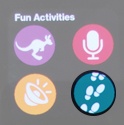
- Tap 'Steps' icon to see how many steps you have.
Gadgets
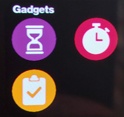
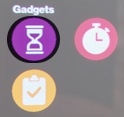
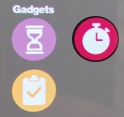
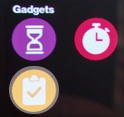
- Swipe left 3 times from the main screen to access the 'Gadgets' screen.
- Do any of the following:
- Tap the 'Timer' icon to start timer.
- Tap the 'Stopwatch' icon to start stopwatch.
- Tap the 'To-Do' icon to check to do list.