GizmoWatch™ - View Home Screen Panels
Here's how to view your home screen panels on your GizmoWatch.
The Gizmo is designed to work in conjunction with the Smartphone app of the caregiver. However, this device is equipped with a touch screen.
- Swipe left or right to view Home screen panels.You can also swipe down from the top of a Home screen to reveal the status screen.
- From the default time and date screen, do any of the following:
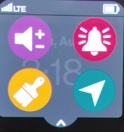
- Swipe down to view the Control Panel (e.g., Signal Strength, Battery, etc.).
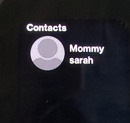
- Swipe left to view the 'Contacts' screen.
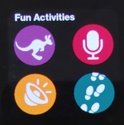
- Swipe left twice to view the 'Fun Activities' screen.
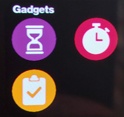
- Swipe left to 3 times view the 'Gadgets' screen.
- Swipe left to 4 times to view the 'Settings' screen (scroll down for next settings screen).