Session status messages
Session Status

Due to inactivity, your session will end in approximately 2 minutes. Extend your session by clicking OK below.

Due to inactivity, your session has expired. Please sign in again to continue.

Turn iMessages Alerts On / Off - Apple ® iOS

2026-10-22 18:07:03.172

Turn iMessages Alerts On / Off - Apple® iOS

Here's how to hide iMessage alerts on your Apple device.
  1. From the Home screen, tap
    Messages Messages icon
    .
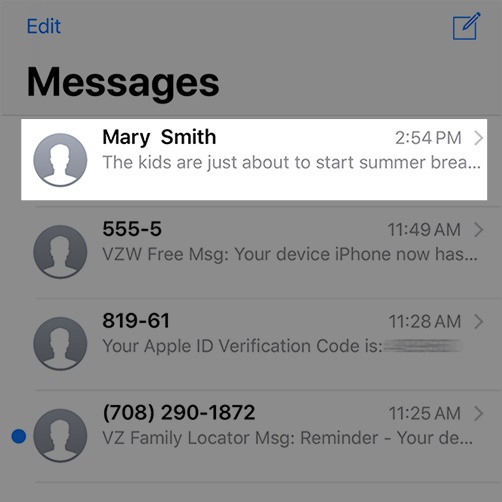
  2. Tap the preferred message.
    Select Messages
  3. Tap the
    Info icon Info icon
    (upper-right).
  4. Tap the
    Hide Alerts switch
    to turn on On switch or off Off switch.
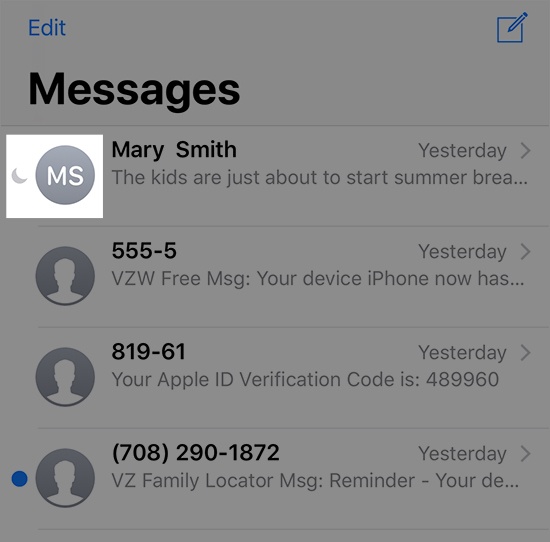
    When enabled, a crescent moon appears next to message.
    Hidden Alerts Message