Apple Watch - Check Step Count
Here's how to check the step counter on your Apple Watch.
The steps below apply to the Apple Watch Series® 3 and newer models.
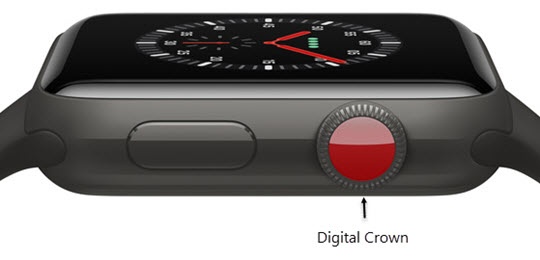
- From the Watch face screen, press theDigital Crownto access the Apps screen.
- Tap theActivity icon
.
- Scroll down using the digital crown (the rotating dial on the side of the watch) to reveal 'STEPS'.