Apple Watch - Turn Airplane Mode On / Off
Here's how to control wireless connections by turning airplane mode on / off on your Apple Watch.
The steps below apply to the Apple Watch® Series 3 and newer models.
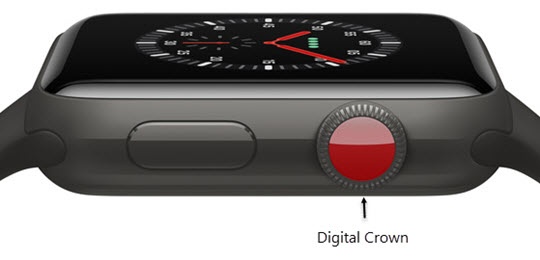
- From the Watch face screen, press theDigital Crownto access the Apps screen.
- Tap theSettings icon
.
- TapAirplane Mode.
- Tap theAirplane Mode switchto turn on
or off
.
When Airplane Mode is on, Verizon network services won't work.