Kyocera DuraXV LTE - Place a Conference Call
Here's how to place a conference call on your DuraXV LTE.
The Conference Calling feature allows a maximum of 3 parties and each call must be initiated by the call originator.
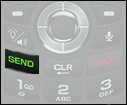
- From the main screen, enter a 10-digit phone number then press theSEND key.
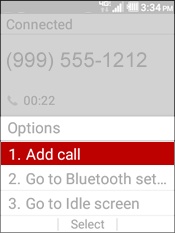
- Once the connection is successful, press theright soft keyto choose Options.
- SelectAdd call.
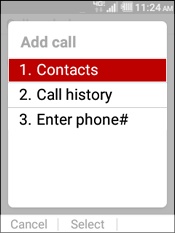
- Select an option:
- Contacts
- Highlight a contact then press theSEND key.
- Call history
- Highlight an entry from the list then press theSEND key.
- Enter phone #
- Enter a 10-digit phone number then press theSEND key.
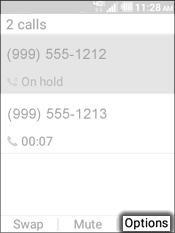
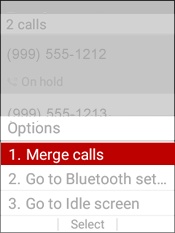
- Once the connection is successful, press theright soft keyto choose Options.
- SelectMerge calls.