Kyocera DuraXV LTE - View Call History
Here's how to view the call history on the DuraXV LTE.
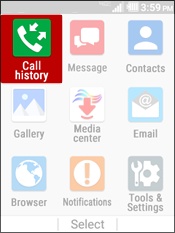
- From the main screen, selectMenu.Utilize the 5-way navigation pad to highlight and the center button to select.
- SelectCall History.
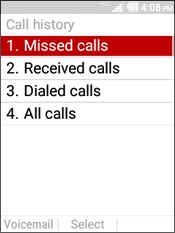
- Highlight then select an option:
- Missed calls
- Received calls
- Dialed calls
- All calls