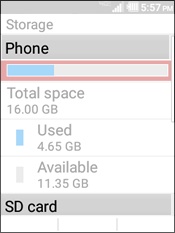
Kyocera DuraXV LTE - Check Device Storage
To free up space if your DuraXV LTE runs slow or crashes or resets, or you can't save media, view this info.
To free up space if your device runs slow or crashes/resets, apps freeze when running them, or you can't save media, view this info.
The memory capacity of this device is 16GB (built-in, flash-shared memory). Supports an expandable microSD card up to 32GB.
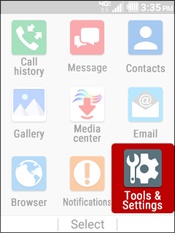
- From the main screen, selectMenu.Utilize the 5-way navigation pad to highlight and the center button to select.
- SelectTools & Settings.
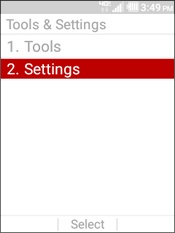
- SelectSettings.
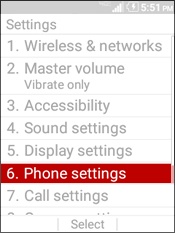
- SelectPhone Settings.
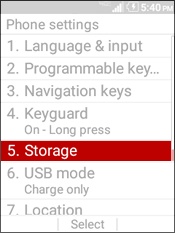
- SelectStorage.
- View desired storage location:
- Phone
- SD Card