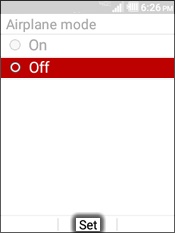
Kyocera DuraXV LTE - Turn Airplane Mode On / Off
To turn Verizon network services on/off or if they aren't functioning on your DuraXV LTE, view this info.
When Airplane Mode is on, Verizon network voice and data services won't work, but Wi-Fi can be used.
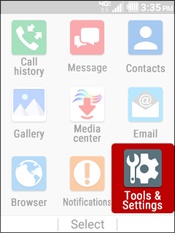
- From the main screen, selectMenu.Utilize the 5-way navigation pad to highlight and the center button to select.
- SelectTools &Setting.
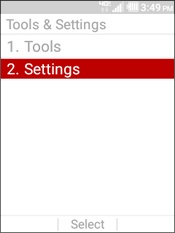
- SelectSettings.
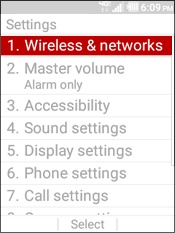
- SelectWireless & networks.
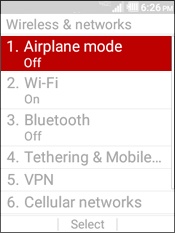
- SelectAirplane mode.
- Highlight an option then selectSet:
- On
- Off