Windows 10 - View, Open or Close Recently Used Apps
Here's how to view, open or close recently used apps on your Windows 10 device.
If your device isn't running Windows® 10, refer to the Windows 8 instructions.
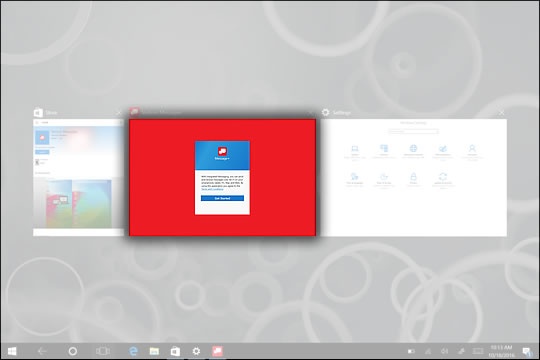
- From the Home screen, tap theOpen apps iconto display apps that are currently open.
- To Open or Close:
- Open: From the Open apps screen, tap or click an app to start using that app.
- Close: Tap theX(located in the top-right corner of the app).