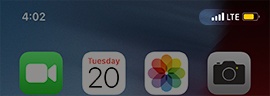
Apple iPhone - View Signal Strength
Here's how to view signal strength on your iPhone.
If you see 'SOS' or 'SOS only' in the status bar, your device isn't connected to a network, but you can still make emergency calls.
iPhone 14 and newer 5G models
- View the Network Signal Strength Indicators
(signal bars).
The Apple iPhone 12, 13 and 14 models are 5G-capable devices. If you don't see a 5G indicator, please check the Coverage Map to confirm you're located in a 5G area.5G data connections are currently supported while your iPhone is set up in Dual SIM Dual Standby (DSDS) mode on iOS 14.5 or later.
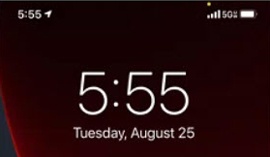
iPhone 5s and newer 4G models
- View the Network Signal Strength Indicators
(signal bars).