One Talk Mobile App - Delete Messages
Here's how to delete messages via the One Talk mobile app.
Android Mobile App
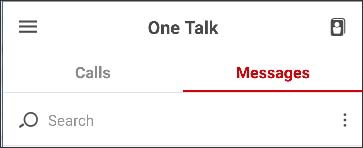
- Launch theOne Talk app.
- Tap theMessages tab.
- Touch and hold the message then tapDelete Conversation.
Apple iOS Mobile App
- Launch theOne Talk app.
- Tap theMessages tab.
- Tap theMenu icon
(located in the upper-right).
- TapDelete Messages.
- Select the appropriate message(s).
- TapDelete(locate in the upper-right).