Windows 10 - View Device ID
Here's how to find the device ID (IMEI) associated with your Windows 10 device.
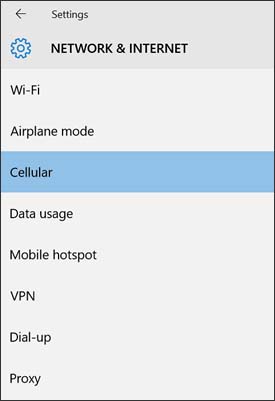
- From the Windows desktop, navigate:.StartSettings iconNetwork & InternetUtilize the touchscreen (if available) or mouse to select the on-screen options.
- From the left-pane, selectCellular.
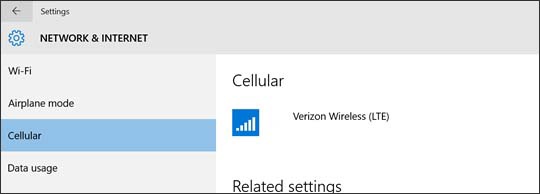
- From the Cellular section, selectVerizon Wireless (LTE).
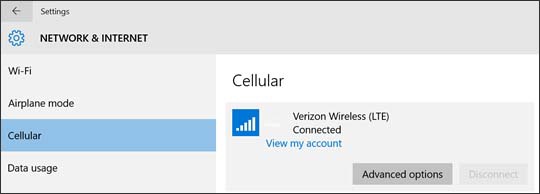
- SelectAdvanced options.
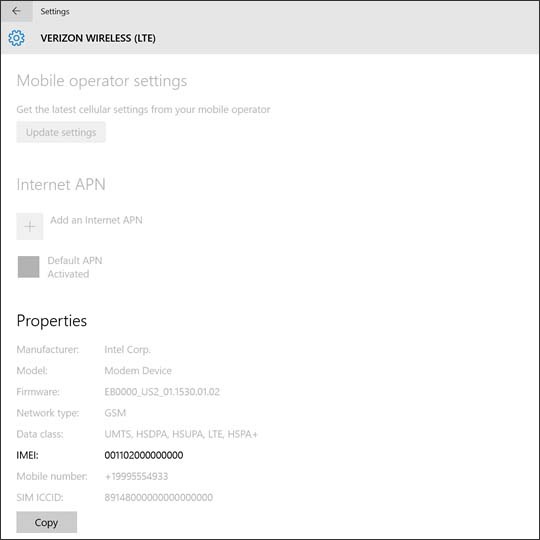
- From the Properties section, view the IMEI.


You can also view the IMEI by opening up the kickstand and viewing the label on the bottom or follow these steps to view it online.