One Talk Portal - Add New Line
Here's how to add a new line in the One Talk portal.
Refer to the One Talk admin portal simulator for interactive demonstrations.
- Sign in to My Business.
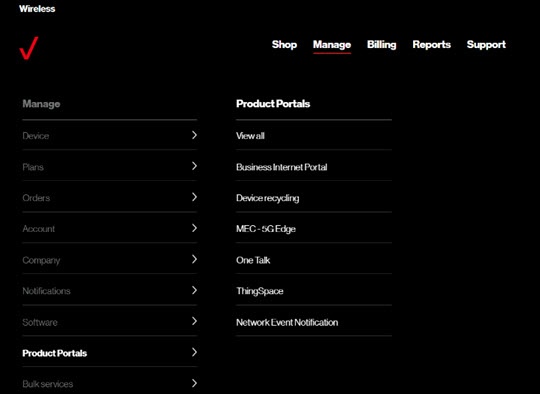
- ClickManage(top of screen).
- Mouse overProduct Portalsthen clickOne Talk.If necessary, clickView all.
- From the 'Purchase section', choose the type of new line needed.
- Follow the on-screen instructions to complete the desired transaction.