One Talk Portal - View Business Features
Refer to the One Talk admin portal simulator for interactive demonstrations.
- Sign in to My Business.
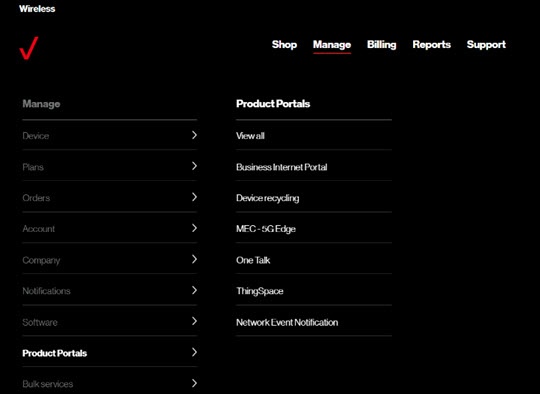
- ClickManage(top of screen).
- Mouse overProduct Portalsthen clickOne Talk.If necessary, clickView all.
- From the 'I want to' section, clickManage features.
- From the 'Business Features' tab, click the desired feature (e.g., Account Codes, Custom Ringback, Remote Group Pickup, etc.).
- Follow the on-screen instructions to complete the desired transaction.