Upgrade to Premium Visual Voicemail
Here's how to upgrade to Premium Visual Voicemail.
Ensure standard Voicemail is configured and active.
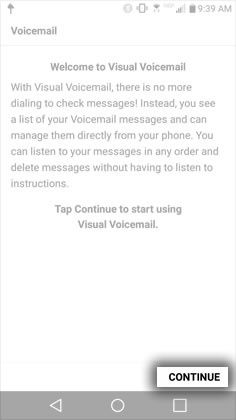
- Upon opening Visual Voicemail for the first time, if presented with the Visual Voicemail Welcome screen, tapCONTINUE.
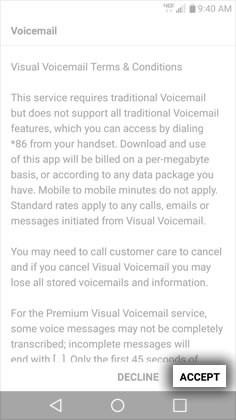
- To continue, review the Terms & Conditions then tapACCEPT.
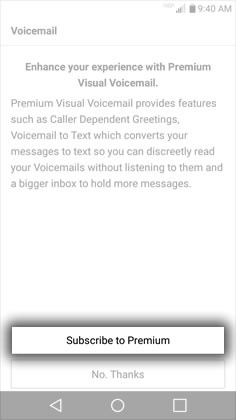
- To subscribe to Premium Visual Voicemail, tapSubscribe to Premium.
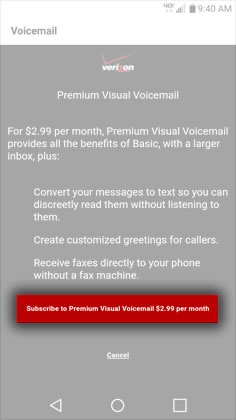
- To confirm your subscription request, tapSubscribe to Premium Visual Voicemail for $2.99 per month.
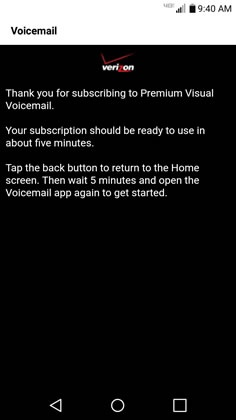
- From the "Thank you" screen, tap theHome icon, wait for 5 minutes for Visual Voicemail to activate and then re-open to use the app.