GizmoHub App - Check Child's Location
Here's how to locate your child's Gizmo device via the GizmoHub app.
- Ensure the GizmoHub app is updated (Google Play™ Store or Apple® App Store®).
- Check out the GizmoHub FAQ page for more info.
- The device must be powered on to be located.
- The device must be in an area with cellular service.
- Open theGizmoHub app.If presented with the PIN screen, enter your PIN.
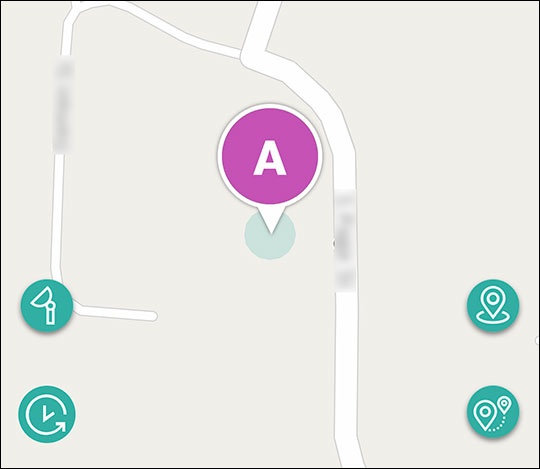
- From the 'Dashboard' tab, swipe left or right to select a child then tap theLocate icon.If necessary, swipe left or right to switch between Gizmo devices.Allow several seconds for the location to be determined.