Apple® iPhone® 6s / 6s Plus - Turn the Device On / Off
View this info to learn how to turn your iPhone 6s or 6s Plus on or off.
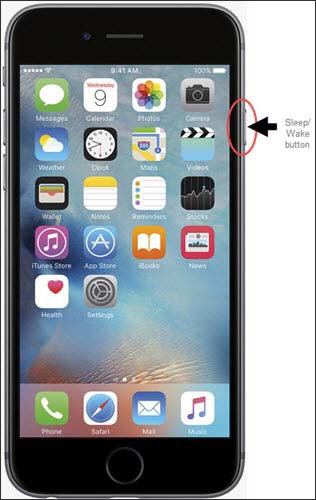
- Press and hold theSleep/Wake buttonon the right side of the device.
- When the "slide to power off" icon appears along the top, slide it toward the right edge of the screen to power off.
Have questions on how to power off other phone models? Check out our power off phone troubleshooting page for more info.