Apple iPad - Use Split View
Here's how to open multiple apps at once in split screen view on your iPad.
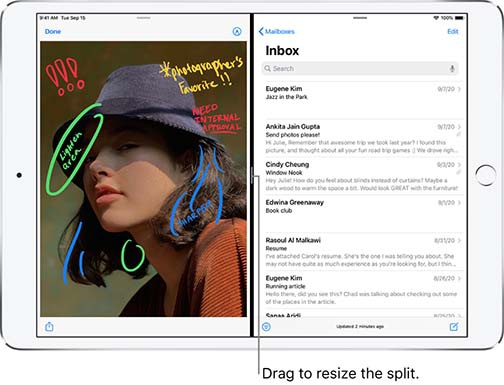
- The Split Screen feature allows you to simultaneously work with two apps.
- This feature is only available on the Apple® iPad® Air 2 and later devices.
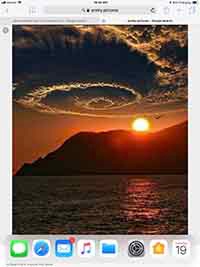
- While using an app, slide your finger from the bottom up to reveal the dock.
- From the list that appears, tap and hold the app you would like to access.
- Slide your finger up and to the left edge, then release.
- Slide thesmall white handlebetween the two windows left or right to adjust the size.
- The second app can be closed completely by sliding it to the right.