Google Pay® - Set Default Payment Card
Here's how to set your default payment method in Google Pay.
- From the Google Pay app, tap theCards icon
(at the bottom).
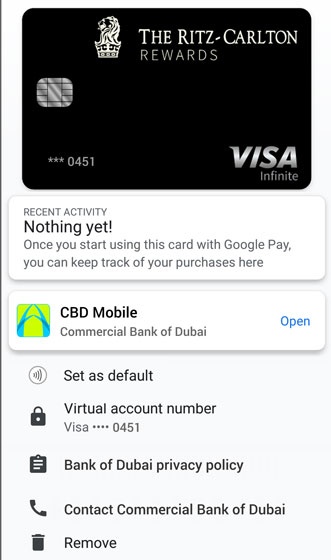
- From Payment methods, tap theDefault icon
on the card or payment method you wish to set as default.
Alternatively, tap the card or payment method to view details then tap the Default iconFor future payments, your default card is used. If you want to change the card, you must make the new card the default card.
For more info on the Google Pay app, click here.