Google Pay® - Remove a Card
Here's how to remove your card info from the Google Pay app.
- From the Google Pay app, tap the appropriate card.
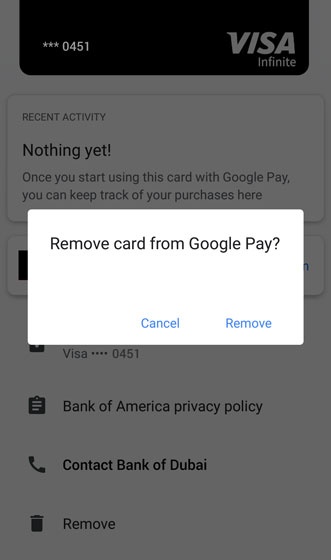
- From the payment method detail, tapRemove
(at the bottom).
- From the Remove prompt, tapRemoveto confirm.
For more info on the Google Pay app, click here.