Google Pay® - Redeem a Gift or Loyalty Card
Here's how to redeem a gift or loyalty card with Google Pay.
Redeem via Cashier
- From the Google Pay app, select the appropriate card.For more info or to download the Google Pay app, click here.
- Show the card to the cashier so they can scan or enter the card number.
Redeem with a Single Tap (where available)
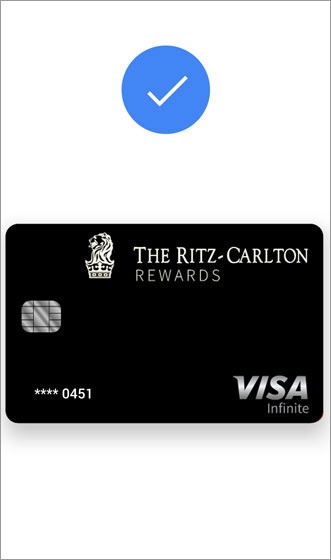
- Unlock your device then hold it near the terminal.Once the transaction is confirmed (or the loyalty card is applied), a confirmation with transaction details and the Maps location where the purchase was made is sent to the device.