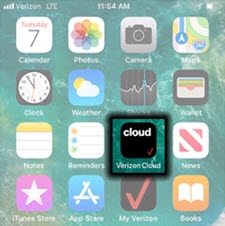
Verizon Cloud - Apple iOS - Uninstall Cloud
Here's how to remove the Verizon Cloud app from your iPhone or iPad.
- Deleting Verizon Cloud from your Apple® iPhone® or iPad® doesn't cancel your Verizon Cloud subscription.
- If parental controls are enabled, do the following:
- Navigate .If prompted, enter a passcode.
- TapiTunes & App Store Purchases.
- TapDeleting Appsthen tapAllow.
- From the Home screen, touch and hold theVerizon Cloud icon.If an app isn't available on your Home screen, swipe left to access the App Library.
- TapRemove Appthen tapDelete App.If unavailable, tapDelete App.
- To confirm, tapDelete.