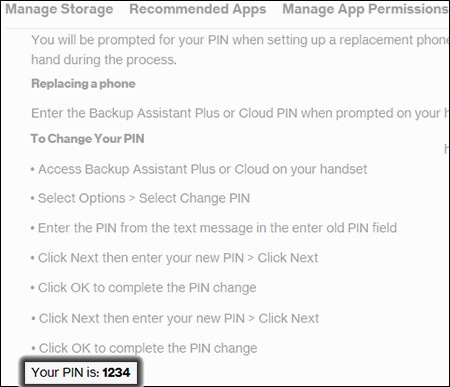
Verizon Cloud - Website - View PIN
Here's how to view your Verizon Cloud PIN from your My Verizon account.
If you receive a warning message from your browser, refer to these FAQs regarding outdated browsers.
- From a web browser on a computer, sign in to My Verizon.
- Navigate: .
- From the 'Verizon Cloud' section, clickManage.
- ClickAccess Verizon Cloud.
- From the 'How to access Verizon Cloud' page, clickVerizon Cloud web portal(in the 'Access my Cloud' section).
- ClickSettings(upper-right).
- ClickView PIN(upper-right).
- View your PIN (at the bottom).