Health App - Apple® iPhone® - Create Medical ID
Here's how to add Medical ID info (e.g., allergies, medical conditions, etc.) to the Health app on your iPhone.
The Health app requires iOS 8 or later on an iPhone 4S or later.
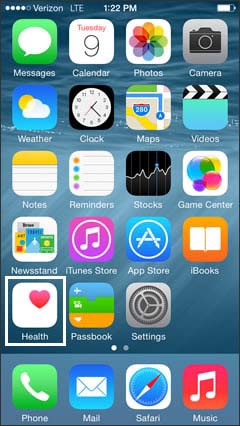
- From the Home screen, tapHealth.
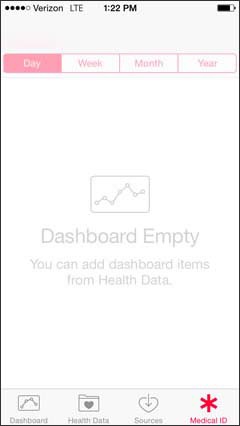
- TapMedical ID.The Medical ID can be viewed when the iPhone is locked by tappingEmergencythenMedical ID.
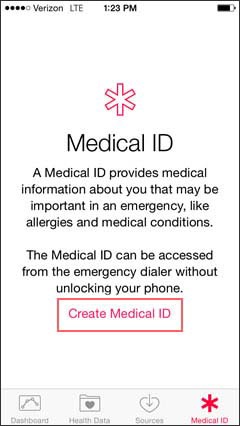
- TapCreate Medical ID.
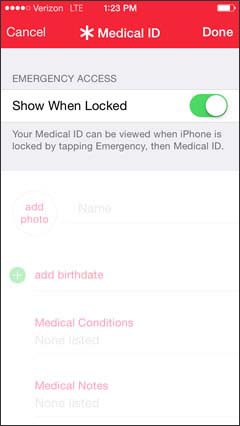
- Verify the Show When Locked switch is turned on
.
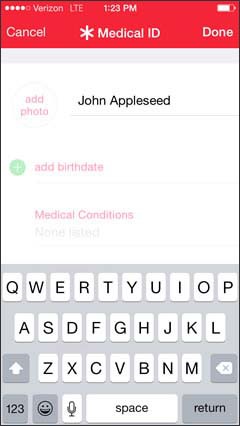
- Enter your name in the Name field.
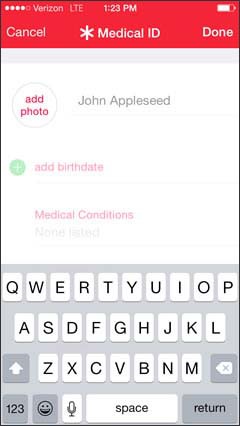
- Tapadd photo.
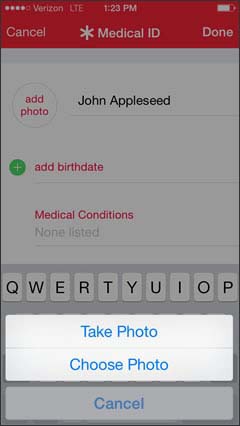
- Tap the photo option:
- Take Photo
- Choose Photo
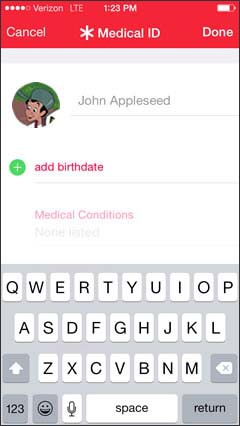
- Take or choose the photo.
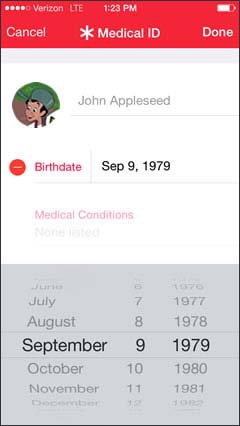
- Tapadd birthdate.
- Select your birthdate.
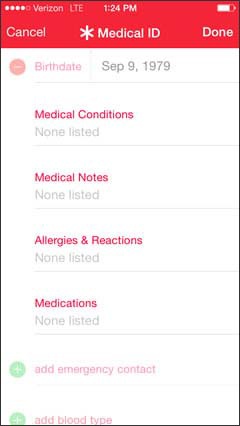
- Tap a medical information field then enter the appropriate info:
- Medical Conditions
- Medical Notes
- Allergies and Reactions
- Medications
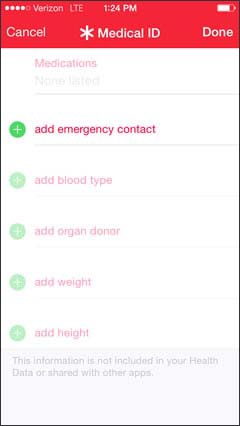
- Tapadd emergency contactthen select a contact.
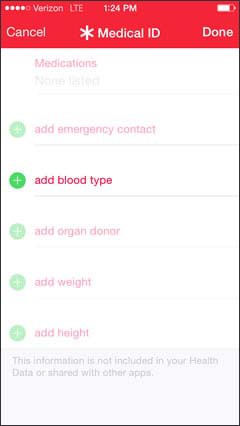
- Tapadd blood typethen select your blood type.
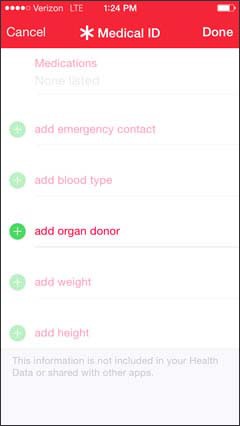
- Tapadd organ donorthen select if you are an organ donor.
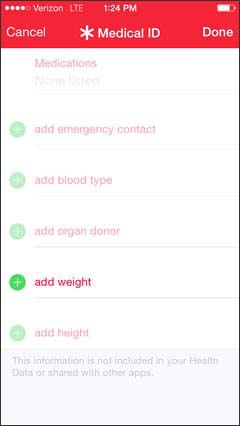
- Tapadd weightthen select your weight.
- Tapadd heightthen select your height.
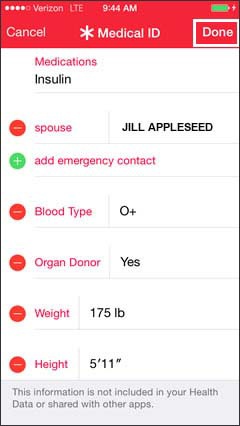
- TapDone.


For additional info, refer to Apple article: Use Health on your iPhone or iPod touch.