Change or Add Data Bundles - Prepaid iPad
Here's how to add or change a data bundle for prepaid service on an iPad.
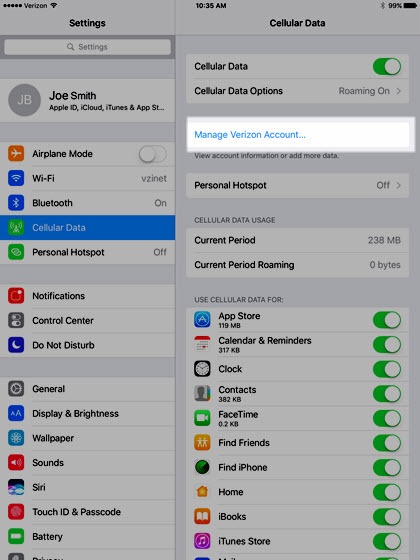
- From the Home screen, navigate:Settings
>
Cellular Data.If needed, tap theCellular Data switchto enable. - TapManage Verizon Account.
- Enter the following information then tapNext:
- Email
- Password
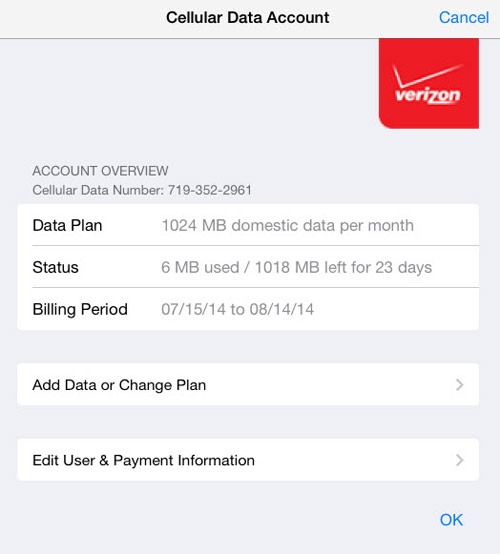
- From the Account Overview screen, tapAdd Data or Change Plan.
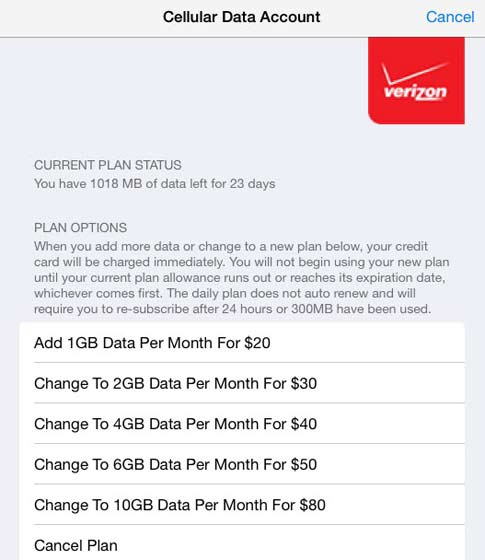
- Tap the applicable data option ( i.e., Add 1 GB, Change to 2GB, Change to 4GB, etc.).
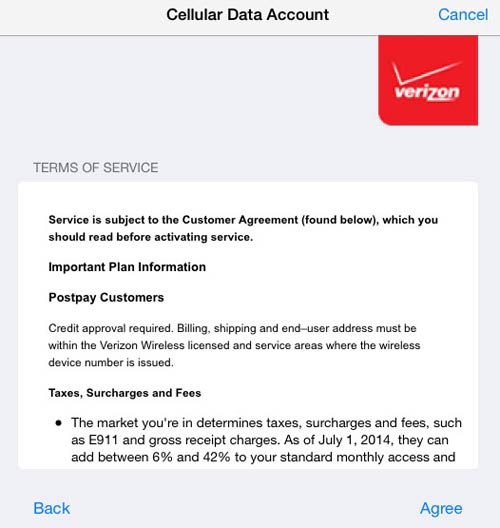
- Review the Terms of Service then tapAgree.
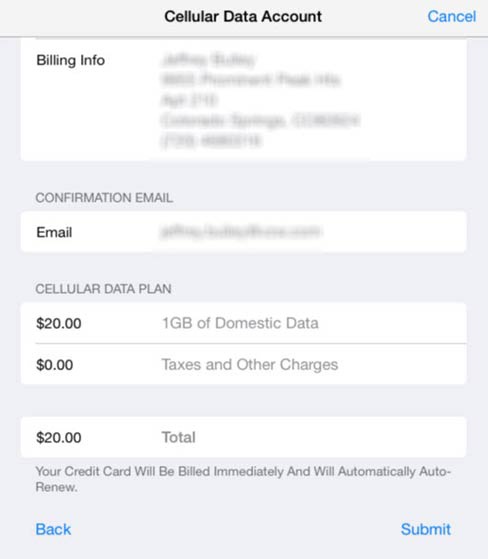
- Review the payment and confirmation screen then tapSubmit(located at the bottom).