Cancel Autopay - Prepaid iPad
Here's how to cancel auto payment on your prepaid iPad.
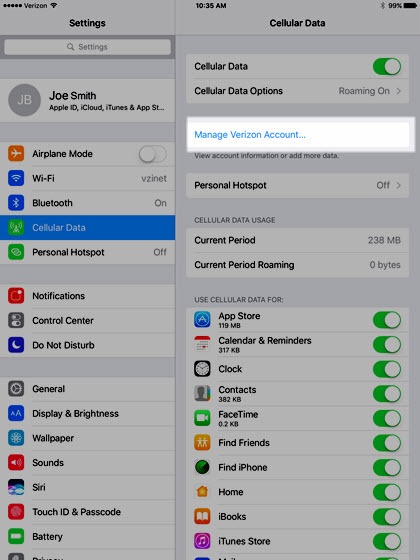
- From the Home screen, tapSettings
>
Cellular Data.If needed, tap theCellular Data switchto enable. - TapManage Verizon Account.
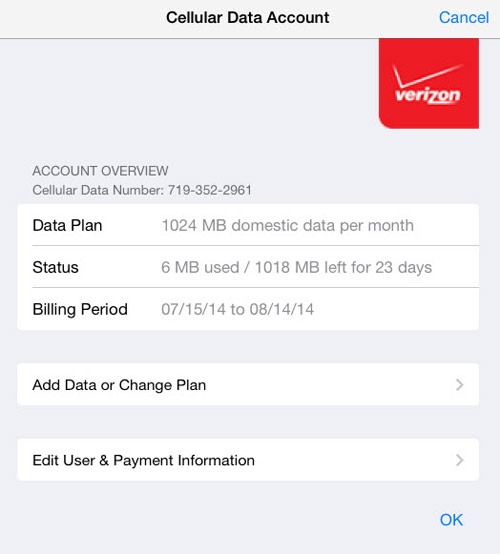
- TapEdit User and Payment Informationthen tapOK.
- Enter the following that was used to activate the account then tapNext:
- Email
- Password
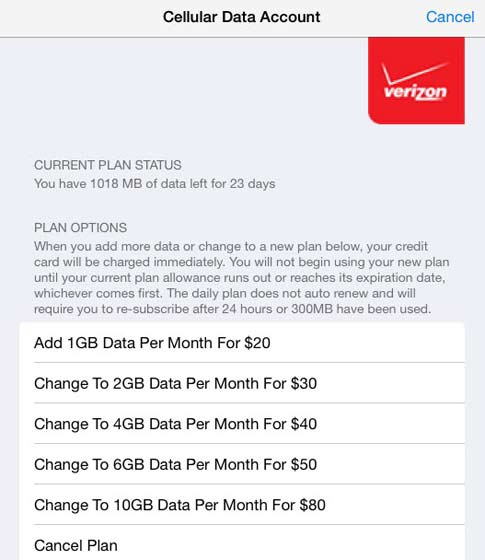
- From the Account Overviewscreen, tapAdd Data or Change Plan.
- TapCancel Plan.
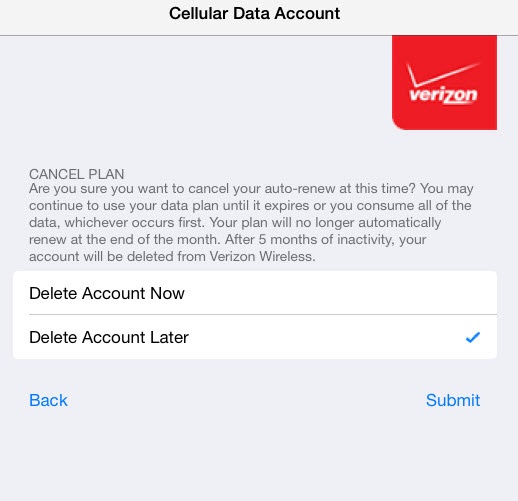
- TapDelete Account Laterthen tapSubmit.IfDelete Account Nowis selected, the service disconnects and remaining value on the plan is lost.